AI & Automation
AI Tools for Freelancers 2026: Automate Proposals, Content & Workflows
Julius
|December 16, 2025|6 min read
Why AI Is No Longer Optional for Freelancers
In 2026, AI isn't a future topic — it's daily business. Freelancers who use AI tools strategically report:
- 40-60% less time on repetitive tasks
- Higher output in the same working hours
- Better quality through AI-assisted suggestions and corrections
- More time for creative work instead of admin
But not every AI tool is worth it. In this article, we cover the 12 best AI tools for freelancers — organized by category with honest assessments.
Category 1: Proposals & Quotes
Proposal Air — AI Proposals in Under 5 Minutes
What it does: Creates professional proposals from a short briefing. Describe the project in 3-5 sentences, and the AI generates a complete proposal with scope, pricing, and timeline.
Why it matters for freelancers:
- Proposal creation drops from 30-60 minutes to 5 minutes
- Consistent quality across every proposal
- E-signatures and live tracking included
- GDPR-compliant with EU hosting
Pricing: Free (3 proposals/month), Starter €19/month, Pro €49/month
Time saved: ~4 hours/week with 3-5 proposals
Qwilr AI — Interactive Proposals
What it does: Generates interactive, web-based proposals with AI assistance.
Strengths: Visually impressive, embedded calculators Weaknesses: Expensive, US hosting
Pricing: From $35/month
Category 2: Writing & Content
Claude (Anthropic) — Best AI Assistant for Knowledge Work
What it does: Creates text, analyzes documents, answers questions, helps with research and strategy.
Why it matters for freelancers:
- High-quality writing and analysis
- Can read and summarize long documents
- Helps with blog articles, emails, concepts
- Excellent at complex tasks
Pricing: Free (limited), Pro $20/month
Time saved: ~3-5 hours/week
ChatGPT (OpenAI) — The All-Rounder
What it does: Similar to Claude, with a focus on broad applicability and plugin ecosystem.
Strengths: Large plugin ecosystem, image generation (DALL-E), code interpreter Weaknesses: Tends to be less precise on specialized topics
Pricing: Free (limited), Plus $20/month
Jasper — Specialized in Marketing Copy
What it does: Creates marketing copy, social media posts, ads, and blog articles with AI.
Strengths: Marketing templates, brand voice feature, team features Weaknesses: Expensive, less versatile than Claude/ChatGPT
Pricing: From $49/month
Category 3: Design & Visuals
Midjourney — Best AI Image Generation
What it does: Generates high-quality images, illustrations, and concept visuals from text descriptions.
Why it matters for freelancers:
- Mockups and concept images in minutes
- Mood boards for presentations and proposals
- Design inspiration
Pricing: From $10/month
Time saved: ~2-3 hours/week for visual concepts
Canva AI — Design for Non-Designers
What it does: AI-powered design tools: automatic layouts, background removal, text-to-image, magic resize.
Strengths: Easy to use, extensive templates, brand kit Weaknesses: Limited creative freedom for professionals
Pricing: Free (limited), Pro $13/month
Figma AI — AI Features in Your Design Tool
What it does: Auto-layout suggestions, text generation, design variants at the push of a button.
Strengths: Seamless integration into the design workflow Weaknesses: Only useful if you already use Figma
Pricing: Included in Figma Pro ($15/month)
Category 4: Development & Code
GitHub Copilot — AI Pair Programmer
What it does: Generates code suggestions, complete functions, and tests directly in your editor.
Why it matters for freelancers:
- 40-50% faster code creation
- Less repetitive coding
- Helps with unfamiliar frameworks and languages
- Automates tests and documentation
Pricing: $10/month (Individual), $19/month (Business)
Time saved: ~5-8 hours/week for developers
Cursor — AI-Native Code Editor
What it does: Editor with AI as a core feature. Chat with your codebase, automatic refactoring, multi-file edits.
Strengths: Deep codebase integration, faster workflow than Copilot Weaknesses: Still young, fewer plugins than VS Code
Pricing: Free (limited), Pro $20/month
Category 5: Productivity & Admin
Notion AI — Knowledge Management with AI
What it does: AI assistance in your Notion workspace: summaries, to-do lists, meeting notes, content generation.
Strengths: Seamless Notion integration, good summaries Weaknesses: Only usable in Notion, quality varies
Pricing: Included in Notion Plus ($10/month)
Otter.ai — Meeting Transcription
What it does: Transcribes meetings in real-time, creates summaries and action items.
Why it matters for freelancers:
- Automatically document client conversations
- Never wonder "What did we discuss?" again
- Extract briefings from conversations
Pricing: Free (300 min/month), Pro $17/month
Time saved: ~1-2 hours/week for meeting follow-up
The AI Stack for Freelancers: Our Recommendation
Minimal Stack ($0-20/month)
| Tool | Purpose | Price | |------|---------|-------| | Proposal Air (Free) | Proposals | $0 | | Claude (Free) | Writing & research | $0 | | Canva (Free) | Design | $0 | | Total | | $0 |
Productive Stack ($50-80/month)
| Tool | Purpose | Price | |------|---------|-------| | Proposal Air (Starter) | Proposals | €19 | | Claude Pro | Writing & research | $20 | | Canva Pro | Design | $13 | | Otter.ai (Free) | Meetings | $0 | | Total | | ~$52 |
Power Stack ($100-150/month)
| Tool | Purpose | Price | |------|---------|-------| | Proposal Air (Pro) | Proposals | €49 | | Claude Pro | Writing & research | $20 | | GitHub Copilot | Coding | $10 | | Midjourney | Visuals | $10 | | Notion AI | Knowledge management | $10 | | Total | | ~$99 |
5 Rules for Smart AI Usage
1. AI as Assistant, Not Replacement
Use AI for first drafts, research, and repetitive tasks. Final quality comes from you — your experience, judgment, and creativity.
2. Always Review and Customize
AI output is a starting point. Review everything, adapt it to your style, and verify the facts.
3. Be Transparent with Clients
When clients ask, be honest: "I use AI tools to work more efficiently. Quality control and creative direction are mine."
4. Invest Time to Learn the Tools
The first weeks with a new AI tool are an investment. Writing good prompts and finding the best workflow takes practice.
5. Measure ROI
Track how much time you save with AI tools. If a tool costs $20/month and saves you 4 hours/month, the ROI at $100/h × 4h = $400 — absolutely worth it.
Conclusion
AI tools in 2026 are no longer nice-to-have — they're a competitive advantage. Freelancers who use AI strategically work faster, deliver more consistent quality, and can take on more projects.
Start with the minimal stack (free!) and expand as you see the ROI. The most important first step: automate your most time-consuming tasks — for most freelancers, that's proposals and content creation. To see how AI-powered automation pays off in practice, read the copywriter case study about scaling revenue from $52k to $120k.
Related reading: Best Proposal Software 2026 · PandaDoc Alternative: The Best Tools Compared · How to Calculate Your Freelance Rate · How to Find Freelance Clients
Share
About the author
J
Julius
Julius is the founder of Proposal Air. As a former freelancer himself, he knows firsthand how much time proposals eat up — and is building the tool he always wished existed.
Create professional proposals in minutes
With Proposal Air, create stunning proposals — faster, more professional, and AI-powered.
No credit card required
Related Articles
AI & Automation13 min
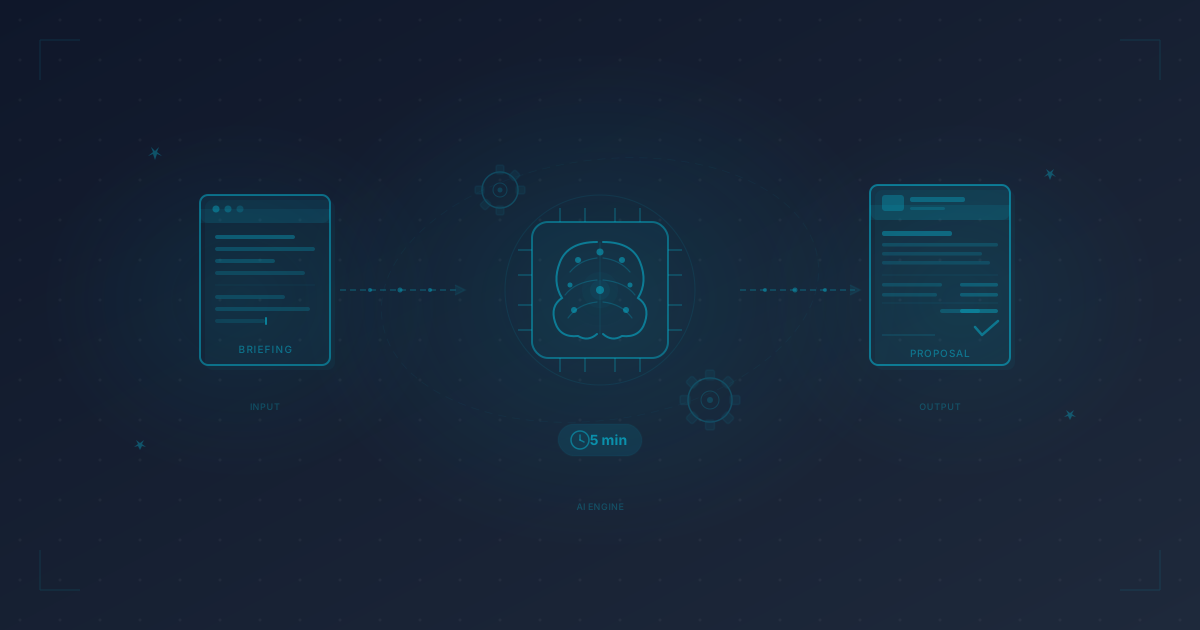
AI-Powered Proposal Creation: Professional Proposals in 5 MinutesHow to create professional proposals with AI in 5 minutes — step by step. From briefing input to automatic text generation to a ready-to-send proposal.
Julius
2/14/2026
AI & Automation11 min
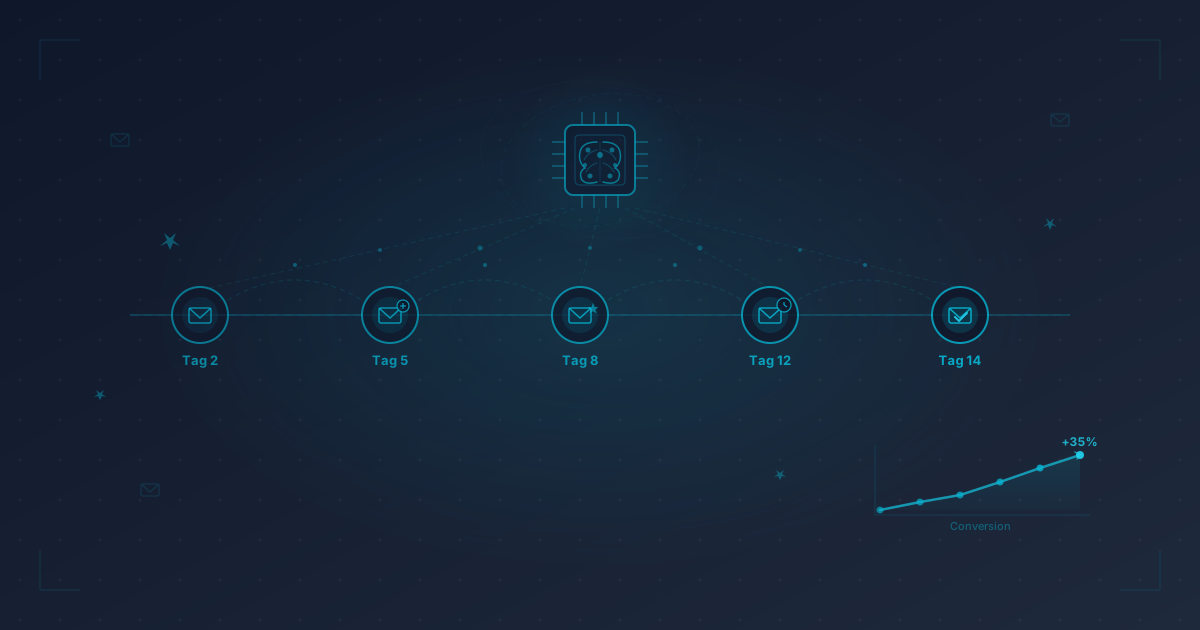
Automate Follow-Ups With AI: Never Forget a Proposal Again80% of freelancers forget to follow up on at least one proposal. How AI-powered automation covers every follow-up touchpoint — and boosts your conversion by 35%.
Julius
2/18/2026

Productivity & Tools10 min
Freelancer Automation: Save 10 Hours a Week With the Right ToolsSave 10+ hours per week as a freelancer: The best automation tools for accounting, proposals, emails, social media, and project management.
Julius
1/17/2026