AI & Automation
AI-Powered Proposal Creation: Professional Proposals in 5 Minutes
Julius
|February 14, 2026|13 min read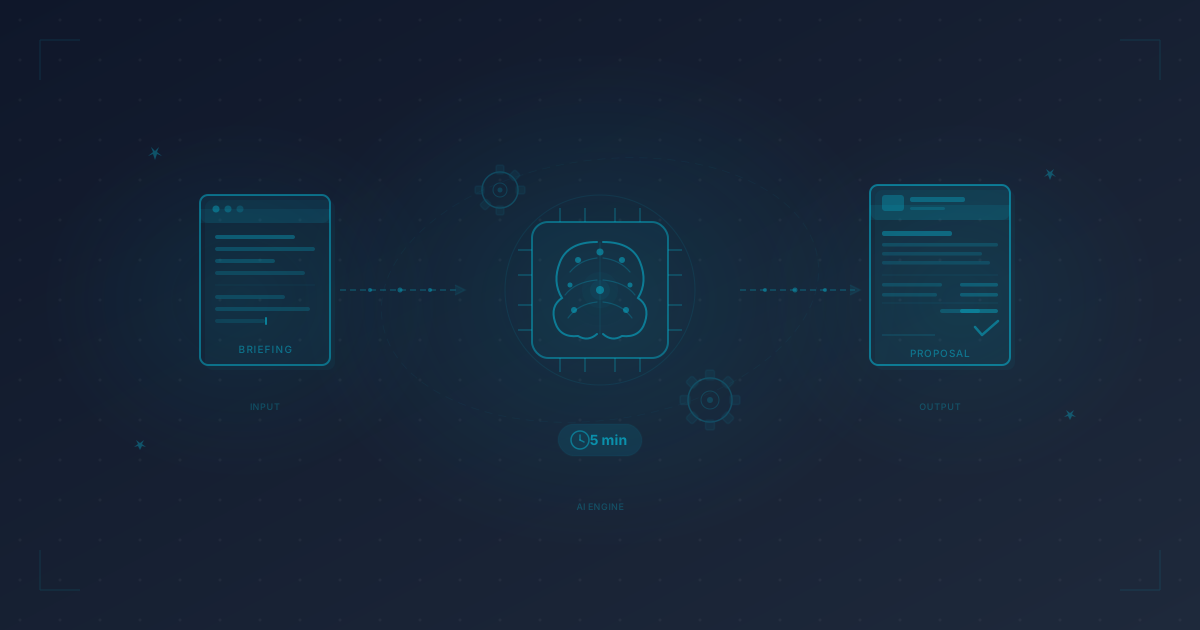
The Problem: Proposals Eat Your Most Productive Hours
Picture this: You're a freelance web designer. A potential client calls, describes their project, and you're excited. Then you say: "I'll send you a proposal by tomorrow." And then the inevitable happens: you sit down, stare at a blank document, and wonder how to begin.
Freelancers spend an average of 20-30% of their working time on administrative tasks. A significant portion of that goes into proposal creation. For a typical freelancer writing 4-8 proposals per month, that amounts to 8-16 hours monthly -- time when you're earning nothing, just nurturing the hope that the client will say yes.
The frustrating part: 80% of the content is repetitive. The project description is unique, but the scope of services, your methodology, payment terms, terms and conditions -- those are nearly identical in every proposal. Yet you type them out fresh each time or copy from old documents and painstakingly adapt.
The consequences are measurable:
- Delayed proposals: 47% of freelancers send proposals 3+ days after the initial conversation. By then, the client often has two other proposals on their desk.
- Inconsistent quality: Under time pressure, proposals get thrown together hastily. Typos, missing line items, vague wording.
- Missed opportunities: Some inquiries never get a response because the effort seems too high -- especially for smaller projects.
AI-powered proposal creation doesn't solve this with magic -- it solves it with structure and speed. And that's exactly what we're going to look at now.
The AI Workflow: 5 Steps to a Finished Proposal
Step 1: Capture the Briefing (1 Minute)
Everything starts with the input. The more precisely you tell the AI what you need, the better the result. This isn't a secret -- it's the single most important factor in the entire process.
An effective briefing for the AI includes:
- Client name and industry (e.g., "Mueller Tax Advisory")
- Project goal in 1-2 sentences (e.g., "Redesign of the firm's website with a client portal")
- Scope and deliverables (e.g., "7 pages, responsive, CMS integration, contact form")
- Budget range or preferred pricing structure (fixed price, phased, hourly rate)
- Timeline (e.g., "Implementation within 6-8 weeks")
- Special requirements (e.g., "WCAG 2.1 accessibility, data privacy focus")
You type this in 60 seconds -- no novel, just the key facts. That's barely more than what you'd jot down after a client call anyway.
Step 2: Generate the AI Draft (30 Seconds)
The AI takes your briefing and generates a complete proposal draft. Not bullet points, not a half-baked text -- a full proposal including:
- Introduction referencing the client conversation and project goals
- Scope of services with clear line items and explanations
- Timeline with milestones and delivery dates
- Pricing structure (itemized or packaged, depending on your input)
- Next steps and validity period
- Professional language that builds trust
This takes 30 seconds. The AI draws on proven proposal structures and formulates them appropriately for the industry. A proposal for a tax advisor sounds different from one for a startup -- the right tone is struck automatically.
Step 3: Personalize and Review (2-3 Minutes)
This is where you come in. The AI draft is a strong starting point, not a finished product. You go through the proposal and make it yours:
- Adjust technical depth: Mention specific frameworks, tools, or methods you'll use for this project
- Add personal touches: Reference details from the client conversation ("As we discussed, we'll place special emphasis on...")
- Review pricing: Are the line items correct? Does the calculation match your hourly rate and project scope?
- Include references: Point to similar projects or results you've achieved
- Check legal details: Terms and conditions reference, VAT information, payment terms
This step is crucial. It's what separates a generic AI text from a compelling, personal proposal.
Step 4: Adjust the Design (30 Seconds)
A professional proposal needs more than good copy -- it needs appealing design. With an AI proposal generator like Proposal Air, you select:
- Your logo and color scheme (set up once, applied automatically to every proposal)
- A matching layout template
- A cover image or header graphic
The result: A proposal that looks professional at first glance and consistently communicates your branding -- without having to work in InDesign or Canva.
Step 5: Send with Tracking (30 Seconds)
You send the proposal directly from the tool -- via link or PDF. The crucial advantage over the classic email attachment: You can see when and how often the client opens your proposal.
This information is pure gold for your follow-up:
- Client opened but didn't sign? Perfect time for a call.
- Client opened it multiple times? Strong buying signal -- follow up now.
- Client hasn't opened it in 5 days? Send a reminder.
Total time for all 5 steps: Under 5 minutes. Compared to the 45-60 minutes a manually created proposal typically takes.
Before vs. After: The Concrete Comparison
Let's look at a typical freelancer's proposal process -- once the traditional way, once with AI:
Traditional Workflow
| Step | Duration | Description | |------|----------|-------------| | Find and copy an old proposal | 5 min | Search through emails or folders for a similar project | | Adapt the text | 20-25 min | Rewrite scope, update pricing | | Formatting and design | 10-15 min | Adjust layout in Word/Pages/Google Docs | | Create and review PDF | 5 min | Export, check layout, spot typos | | Send via email | 5 min | Write cover email, attach PDF | | Total | 45-55 min | |
AI-Powered Workflow
| Step | Duration | Description | |------|----------|-------------| | Enter briefing | 1 min | Project essentials in 3-5 sentences | | Generate AI draft | 0.5 min | Complete proposal in seconds | | Personalize and review | 2-3 min | Fine-tune, add personal touch, check pricing | | Select design | 0.5 min | Template and branding (set up once) | | Send with tracking | 0.5 min | Send link, tracking automatically active | | Total | 5-6 min | |
Time saved: 85-90% per proposal. With 8 proposals per month, that's roughly 5-6 hours you can redirect to billable work.
What AI Does Well -- and What It Doesn't
No hype, no marketing fluff. Here's the honest assessment:
AI excels at
- Structure and flow: AI knows the anatomy of a persuasive proposal and delivers a solid framework
- Language: Professional, industry-appropriate wording -- no cliches, but no jargon overload either
- Consistency: Every proposal hits the same quality level, even on a Friday afternoon when you're tired
- Speed: What takes 45 minutes manually, AI handles in seconds
- Variations: You can quickly generate different pricing or scope options
AI can't (or can't reliably)
- Replace your gut feeling about the client: AI doesn't know the client hesitated when discussing budget -- you do
- Guarantee technical accuracy: AI writes convincingly, but you need to verify the technical details
- Build relationships: The personal touch ("As we discussed on Tuesday...") has to come from you
- Calculate pricing: AI can format prices, but the calculation (effort x hourly rate + buffer) is yours to make
- Read between the lines: When a client actually wants something different from what they're saying, no algorithm picks up on that
The rule of thumb: AI delivers 80% of the proposal in 10% of the time. The remaining 20% -- the personal touch, technical precision, strategic pricing -- comes from you. And that 20% is what separates an okay proposal from one that wins the deal.
Practical Example: Creating a Web Design Proposal with AI
Let's make it concrete. You're a web designer and just had an introductory call with a tax advisor. Here's the workflow:
Your Briefing Input
"Schaefer & Partners Tax Advisory, 4-partner firm in Munich. Needs a website redesign. Currently on WordPress, wants a modern, trustworthy look. 7 pages: Home, About, Services (3 subpages), Team, Contact. Responsive, CMS stays. Client download area for forms. Accessibility important. Budget around EUR 6,000-8,000. Start mid-September, launch end of October."
What the AI Generates
In seconds, a complete proposal appears with:
Introduction: Reference to the conversation, understanding of the project, clear objective ("a modern online presence that builds trust and attracts new clients")
Service items:
- Concept & Analysis (competitor analysis, sitemap, wireframes) -- EUR 1,200
- UI Design (2 design directions, responsive adaptation, style guide) -- EUR 1,800
- Development (WordPress theme, CMS configuration, client portal) -- EUR 2,400
- Content Migration & SEO Basics (text transfer, meta data, page speed) -- EUR 800
- Accessibility (WCAG 2.1 AA compliance, testing) -- EUR 600
- Testing & Launch (cross-browser, training, go-live support) -- EUR 700
Timeline: 6-week plan with milestones
Total price: EUR 7,500 net (within the client's budget)
Your Fine-Tuning (2-3 Minutes)
- You change "2 design directions" to "3 design directions" -- because you know this client struggles with decisions
- You add a reference: "Similar to our project for [Law Firm XY]..."
- You add to the client portal section: "SSL-encrypted, GDPR-compliant" -- critical for the industry
- You adjust the payment schedule: 30% on contract signing, 40% after design approval, 30% at launch
Done. In under 5 minutes, a proposal that would have taken you an hour before. And it's better structured, more professionally written, and more complete than what would have emerged under time pressure manually.
ROI Calculation: What AI Proposal Creation Actually Saves You
Let's do the math -- with conservative numbers:
Your Baseline
- Hourly rate: EUR 90 (average for experienced freelancers)
- Proposals per month: 8
- Time per proposal (traditional): 50 minutes
- Time per proposal (with AI): 6 minutes
The Calculation
| Metric | Traditional | With AI | |--------|-------------|---------| | Time per proposal | 50 min | 6 min | | Time per month (8 proposals) | 6.7 hours | 0.8 hours | | Time saved per month | -- | 5.9 hours | | Value of saved time | -- | EUR 531 | | AI tool cost | -- | ~EUR 19-49 | | Net gain per month | -- | EUR 482-512 | | ROI | -- | 10-27x |
But It's Not Just About Time
Time savings are the obvious benefit. The indirect effects are at least as significant:
- Faster proposal turnaround = higher conversion. Whoever sends a proposal within hours instead of days is often first -- and wins more often.
- More proposals possible = more revenue opportunities. When a proposal takes only 6 instead of 50 minutes, it's worth it even for smaller projects.
- Consistent quality = more professional impression. No proposal is ever "quickly thrown together" again.
- Lower opportunity costs = fewer missed inquiries. You stop saying "I don't have time for that right now."
A case study with a freelance copywriter demonstrates this: Through automated proposal creation and consistent follow-up alone, her conversion rate climbed from 25% to 42%. Same effort, significantly more revenue.
Best Practices: How to Get the Best Results from AI
1. Give AI Context, Not Just Facts
Less effective: "Website for tax advisor, 7 pages, EUR 7,000"
Much better: "Schaefer & Partners, 4 partners, Munich. Clients are mid-market businesses. Current website outdated, not responsive. Want modern, trustworthy, with client portal. Budget 6-8k, timeline 6 weeks."
Context -- industry, target audience, current situation -- helps the AI nail the tone and include relevant details.
2. Define Your Service Offerings Once, Properly
Set up your proposal template with the services you offer, how you describe them, and your typical pricing structure. The AI uses this template as a foundation and saves you additional time on every proposal.
3. Use Variations Strategically
Have the AI create three proposal versions:
- Basic: Core services only, smallest budget
- Standard: Recommended scope (marked as "recommended")
- Premium: Everything included, with extras
Research shows: Proposals with three options have a 20-30% higher close rate than single-option proposals. Clients almost always choose the middle option.
4. Always Verify the Numbers
AI excels at formulations, but never blindly trust generated prices. Calculate effort and pricing yourself -- AI can format line items and rates, but your calculation is the foundation.
5. Collect Feedback and Optimize
After every won or lost deal: What convinced the client? What was too much, too little, or unclear? Feed this knowledge into your templates and briefings. This way, your AI-generated proposals get better over time.
6. Test Different Tones
Different clients and industries respond to different approaches. A tech startup expects a different tone than a law firm. Good AI tools -- as described in our overview of AI tools for freelancers -- automatically adapt the tone to the industry.
Common Mistakes in AI Proposal Creation
Even with AI, you can botch a proposal. Avoid these pitfalls:
Mistake 1: Copy-Paste Without Reviewing
AI generates impressively good text. That's exactly the danger: you accept everything as-is without checking whether the line items are correct, the prices make sense, or the tone fits the client. Always review.
Mistake 2: Providing Too Little Input
"Make me a proposal for a website" isn't enough. The thinner your briefing, the more generic the result. 3-5 sentences with the key facts make a massive difference.
Mistake 3: Forgetting the Personal Touch
A proposal without personal references feels interchangeable. The client spoke with you, not with an AI. Mention details from the conversation, show that you listened.
Mistake 4: Communicating Only Price, Not Value
AI-generated proposals tend to list items with prices. What's often missing: Why is this valuable to the client? "Responsive design -- EUR 800" says little. "Responsive design -- so your clients can access all information on mobile (60% of visits come from smartphones today) -- EUR 800" sells.
Mistake 5: Forgetting to Follow Up
The best proposal is worthless if you go silent after sending it. Set up automatic reminders and use the right follow-up strategy to boost your conversion rate.
Conclusion: AI Makes Good Proposals Faster, Not Automatically Better
AI-powered proposal creation isn't autopilot. It's a turbocharger for your existing process. AI handles the time-consuming routine work -- structure, writing, formatting -- while you focus on what truly matters: technical depth, personal touch, and strategic pricing.
The numbers speak for themselves:
- 85-90% time savings per proposal
- 5-6 hours per month reclaimed (with 8 proposals)
- ROI of 10-27x versus tool costs
- Higher conversion through faster turnaround and consistent quality
The best time to start with AI-powered proposal creation was yesterday. The second-best time is now.
Related reading: AI Tools for Freelancers 2026 · Proposal Templates for Freelancers · How to Design Professional Proposals · Case Study: Copywriter Scales Revenue Through Automation
Share
About the author
J
Julius
Julius is the founder of Proposal Air. As a former freelancer himself, he knows firsthand how much time proposals eat up — and is building the tool he always wished existed.
Create professional proposals in minutes
With Proposal Air, create stunning proposals — faster, more professional, and AI-powered.
No credit card required
Related Articles

AI & Automation6 min
AI Tools for Freelancers 2026: Automate Proposals, Content & WorkflowsThe best AI tools for freelancers in 2026: From automated proposals to content creation to accounting. With practical tips and pricing comparison.
Julius
12/16/2025
AI & Automation11 min
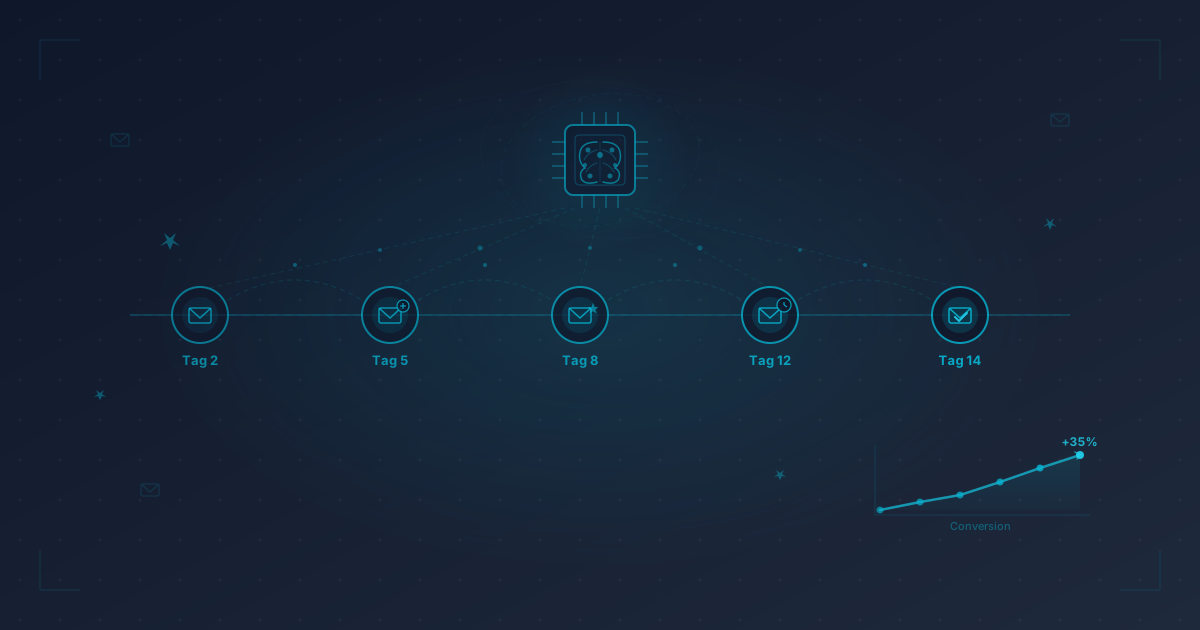
Automate Follow-Ups With AI: Never Forget a Proposal Again80% of freelancers forget to follow up on at least one proposal. How AI-powered automation covers every follow-up touchpoint — and boosts your conversion by 35%.
Julius
2/18/2026
Proposals & Quotes16 min
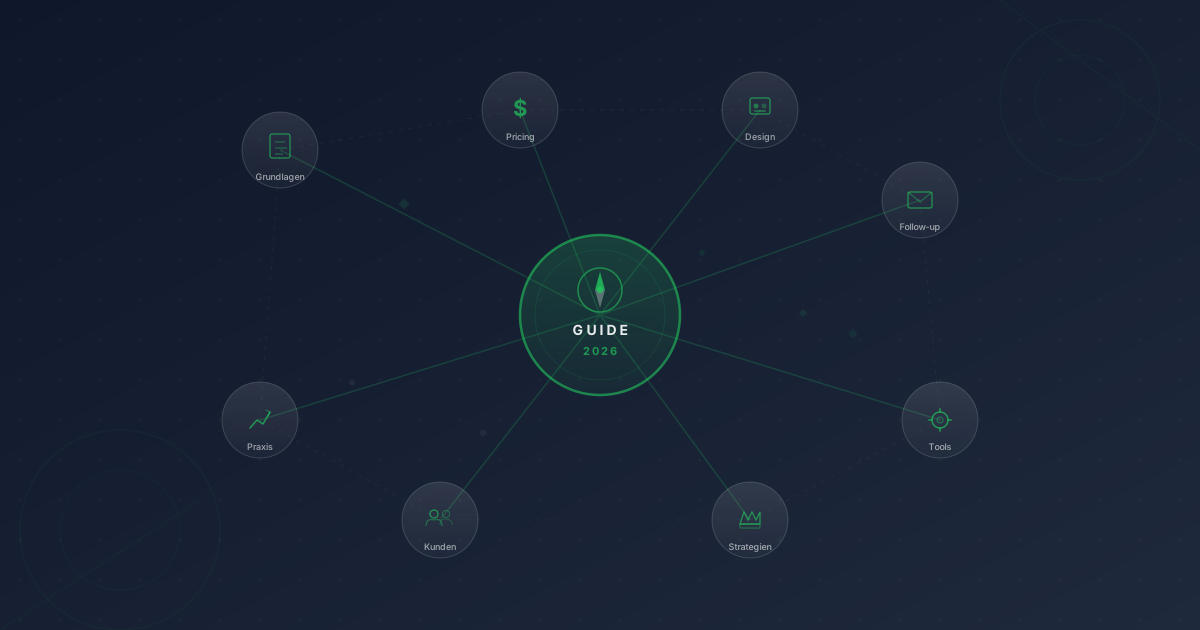
Proposal Strategy for Freelancers: The Complete Guide (2026)Everything freelancers need to know about proposals — from initial inquiry to winning the deal. The comprehensive guide linking to all specialist topics.
Julius
2/28/2026